
Forex education
Why Your Forex Robot Re-Hedges You: 5 Rules That Protect Your Account
Your robot opened a hedge you never asked for. Here are the five rules behind it, straight from our client webinar, and why each one protects your account.
By Alan Solarsh · 6 November 2026
Your robot opened a hedge you never asked for, and your first thought is to switch it off. Stop. That hedge is the robot doing its job.
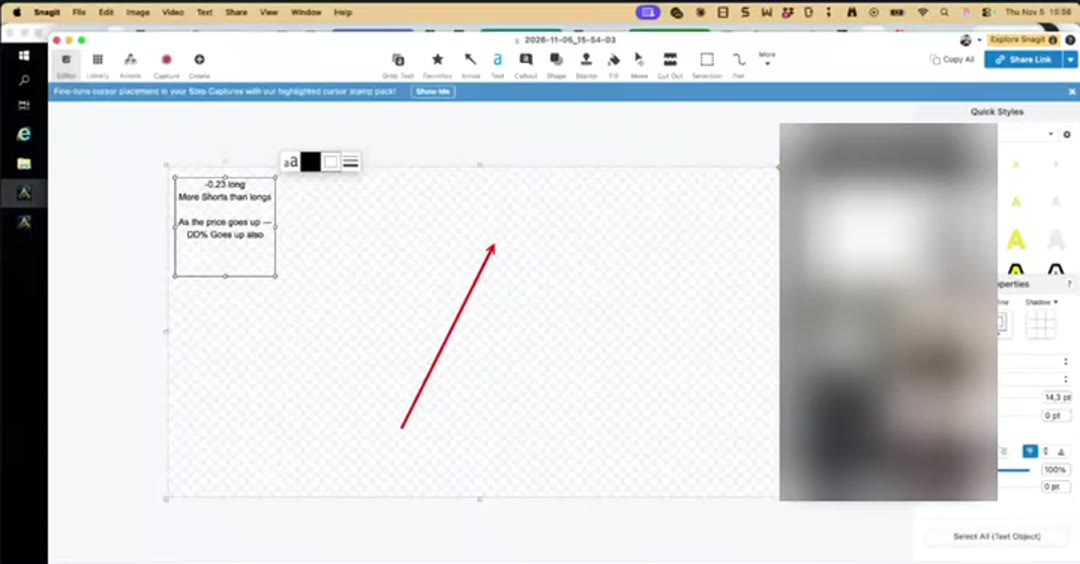
On our client webinar on 5 November a client's account sat 0.23 lots net short while gold climbed. Every step up made the drawdown deeper. He had more sells than buys, and nothing was holding the line. The moment the robot went back on the chart, it placed a buy. It looked like a mistake. It was protection.
Here are the five rules behind that buy, in plain words, with the video of each one.
Already a Forex Robots client? Your Rule 2 training videos walk you through this. Sign in to your portal and watch them first.
1. Net short in an uptrend? The hedge brings you back to flat
When you hold more sells than buys and price goes up, your drawdown grows with every candle. The robot sees that and opens a hedge so your buys and sells match. Now you are flat. Price can keep climbing and the damage stops growing.
What happens next depends on one setting: Continue DCA Trading. It can stop trading, resume when the hedge closes, keep trading while hedged, or resume on the moving average flip. Each option is a different strategy, so know which one you picked.
2. The robot keeps you 100% hedged, and re-hedges as trades close
If a hedge is open and you reload the chart, the robot tops you up until you are 100% hedged again. When trades close, it hedges again. Many clients wonder why the robot keeps opening hedges. This is why: it is keeping you protected.
A new switch is coming for traders who understand hedging. It turns the top-up off when the trend is clear on every time frame, so you can ride the trend instead of staying flat.
3. Profitable closes can leave you net short, so it tops up in small pieces
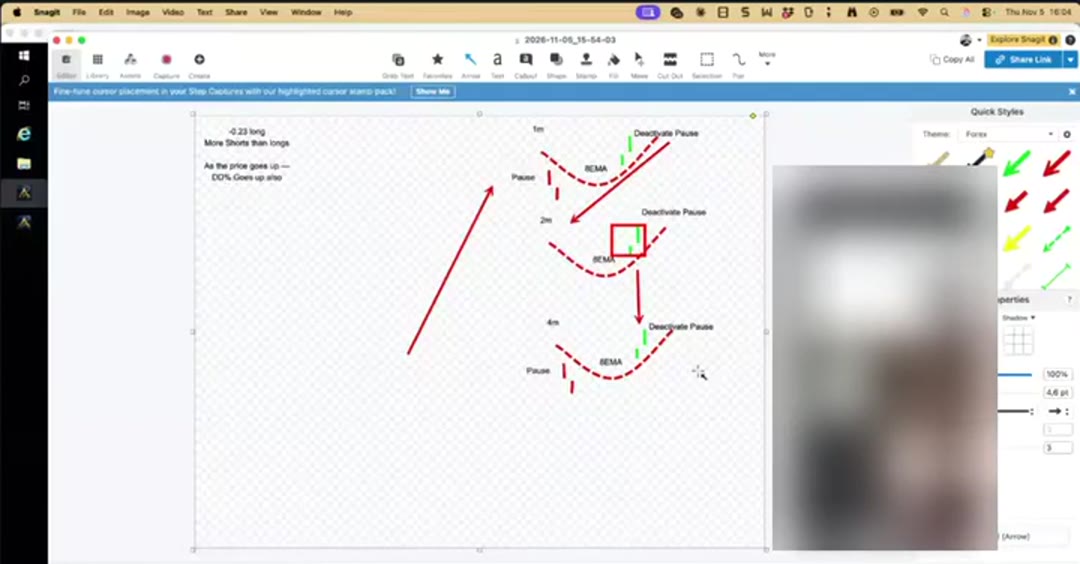
Picture price going up and sideways for a while. Your buy trades are green. Then the second one-minute candle opens below the 8 EMA and those buys close in profit. You now hold more sells than buys again. If price turns north, your drawdown grows.
So the robot re-hedges you at that new, better price. Each top-up only replaces what closed, so the hedges are small and spread out at different prices. A string of small hedges is far easier to carry than one big one.
4. Trades close on a measured pullback, and hedges are not part of it
Section 7 of the robot closes positive trades on candle retracement. It works out the average true range of the last 14 one-minute candles. When the open candle pulls back by that size, the positive trade closes and the next trade waits for a new candle.
Quiet market, small candles, tight exits. Busy market, big candles, more room. Hedge trades are not part of this close. They follow their own rules, which is why they can stay open while other trades come and go.
5. It waits for three charts to agree, and never trades near the 200
After a pause, the robot only opens trades again when two candles sit above the 8 EMA on the one-minute and the two-minute charts, and two candles sit above it on the four-hour chart. If any one of those is false, no trade opens.
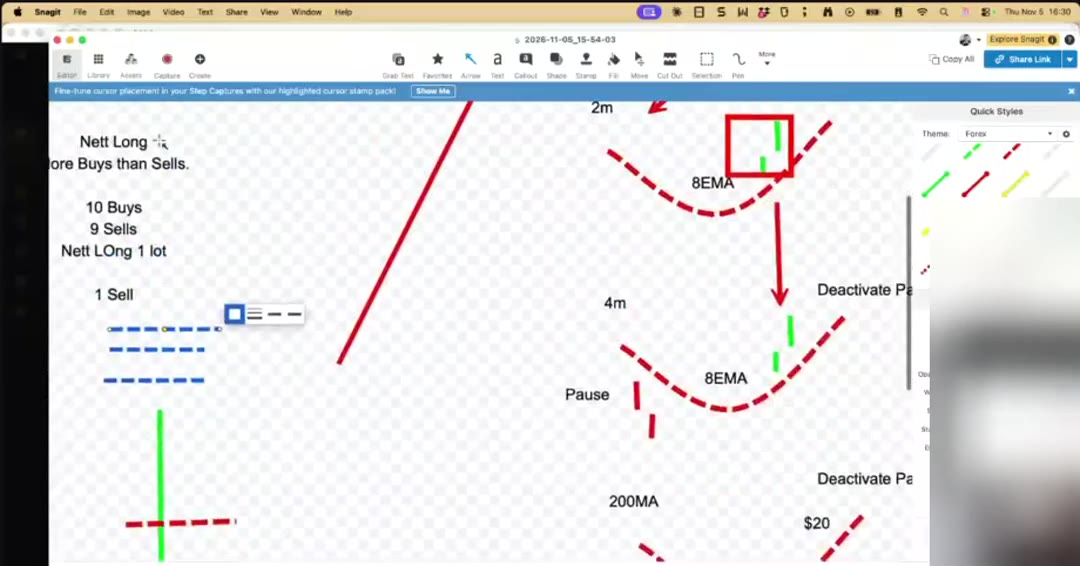
On top of that there is a hard pause within $20 of the 200 simple moving average on the four-hour chart. The 200 is a no-trade zone. If you switch that pause off, the robot can stack 10, 15 or 20 small trades right at the top, price drops, and you end up with a new hedge at the bottom and a new problem.
The good and the bad of re-hedging
Pros: Your drawdown stops growing while price runs against you. Every hedge has a reason you can check in the settings. Small staggered top-ups are easier to manage than one big hedge.
Cons: While you are flat, you do not gain when price turns your way. The settings take real time to learn, and changing one dropdown changes the whole strategy.
If you want your trading done by these rules instead of sitting in front of the charts all day, the Rule 2 forex robot is what I use.
Questions traders ask
Why did my forex robot open a hedge on its own?
You were net short in an uptrend or net long in a downtrend, so your drawdown was growing. The robot opened a hedge to bring you back to flat and stop the damage.
Why does the robot keep re-hedging after trades close?
When positive trades close, you can end up with more trades on one side again. The robot tops up the hedge so you stay 100% hedged and protected.
Why will the robot not trade near the 200 moving average?
The 200 simple moving average on the four-hour chart is a no-trade zone. Within $20 of it the robot pauses, so it does not stack trades where price is likely to bounce.
Read next
- The Learn To Read A Forex Chart course: if you want to do what this article teaches, this is what I use.
- 5 Rules That Stop Traders Repeating My $39,000 Finger Slip
- What clients say: reviews from the Alive FX community.
Forex trading carries risk.
